"ACCOUNTING"
Zoho Books: A Complete Guide for Startups Professionals
"When your runway is short and your accountant is a spreadsheet named "Final_v12.xlsx""
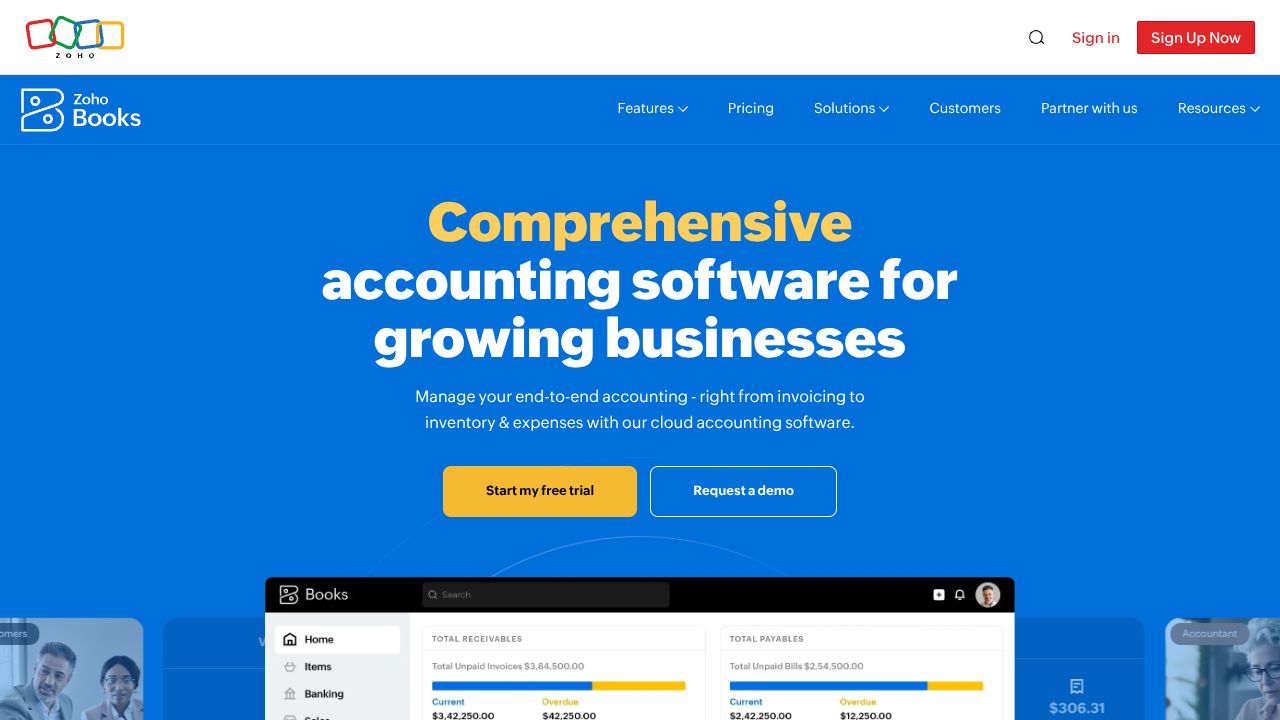
Picture this: it's Monday morning, you're juggling investor asks, and you open QuickBooks/Excel/your brain and immediately regret all three. You need clean invoices, bank reconciliation that doesn’t feel like a puzzle hunt, and automated reminders so you can spend time building, not bookkeeping. Enter Zoho Books — an AI-assisted accounting solution that automates financial workflows for SMBs (https://www.zoho.com/books). In my experience, it hits the sweet spot between power and simplicity: more automation than Wave Accounting and less grown-up-complex-than-QuickBooks Online, while offering a hosted, polished experience that beats self-hosted options like Akaunting for founders who don’t want to babysit servers.
"Step 1: Set up your company the smart way"
- →Sign up at Zoho Books (or use Zoho One if you’re in that ecosystem). Fill basic company details — legal name, fiscal year, and tax IDs.
- →Set your base currency and enable multi-currency if you bill internationally.
- →Configure taxes: add tax rates, set default tax for products/services, and enable tax rounding. This avoids nasty surprises at quarter close.
- →Connect bank accounts: use bank feeds to import transactions automatically. I always connect at least one checking account and my Stripe/PayPal merchant accounts right away.
- →Import customers, items, and a basic chart of accounts via CSV. Don’t overcomplicate the chart — start simple, expand later.
- →Invite teammates with roles (Admin, Accountant, Standard). Pro tip: restrict access for contractors.
Practical: I created an import CSV for recurring SaaS customers and had invoices ready in 10 minutes. Saved two hours of manual entry.
"Step 2: Core features that actually solve startup problems"
- →Invoicing & recurring billing — create templates, attach payment links, and set auto-reminders for late payers. Use recurring invoices for subscription revenue.
- →Bank reconciliation with AI categorization — Zoho suggests categories and matches transactions. Review, then approve.
- →Expense capture & receipts — mobile app lets you snap receipts; Zoho auto-extracts data and matches to expenses.
- →Projects & time tracking — log hours per client, convert time into invoices easily (killer for agencies / consultancies).
- →Automation rules & workflows — auto-send invoices, apply late fees, and auto-categorize vendor payments using conditions.
Example workflow: Set a rule to auto-categorize AWS/Stripe fees as "Platform fees" and auto-apply the right tax code — I set this once, never worry about AWS charges again.
"Step 3: Startup-grade pro tips"
- →Use recurring invoices + automated payment reminders to keep MRR predictable.
- →Enable payment gateways (Stripe/PayPal) so invoices have “Pay Now” buttons — reduces DSO (days sales outstanding).
- →Create automation rules for common vendor categories (hosting, marketing) to speed reconciliation.
- →Run monthly “close” reports: Profit & Loss, Cash Flow, A/R aging. I schedule them on the 3rd of every month and skim for anomalies.
- →If scaling internationally, turn on multi-currency and test one sample invoice in each currency early.
My workflow: mobile receipt capture → weekly reconciliation session (30 minutes) → automated reports on the 3rd. Feels luxurious compared to past chaos.
"Common mistakes to avoid"
- →Overbuilding your chart of accounts from day one — keep it lean and add only when needed.
- →Not reconciling regularly — that’s where small errors balloon into quarterly headaches.
- →Granting broad permissions to contractors — principle of least privilege prevents accidental messes.
Fixes: schedule weekly reconciliation, export backups monthly, use restrictive roles.
"How it stacks up against the neighbors"
While QuickBooks Online excels at payroll integrations and has the deepest tax & accountant ecosystem, Zoho Books is better suited for bootstrapped startups that want strong automation, multi-currency support, and a friendlier price point. Wave Accounting is tempting because it’s free and simple — great for solo founders — but Zoho offers more workflow automation and multi-user controls for teams. And while Akaunting is appealing if you love open-source and custom hosting, Zoho Books wins on polish, hosting reliability, and support if you’d rather spend time building products than managing servers.
"Conclusion: Should you drop Zoho Books into your stack?"
If you’re a founder who hates bookkeeping but wants automated workflows, clean invoices, and reliable bank reconciliation — yes. Zoho Books gives you automation without the bloat, integrates nicely with payment processors, and scales as you grow. My hot take: for bootstrapped startups that need predictable cash flow and minimal admin, Zoho Books is the kinder, meaner, less fragile choice. Try the trial, connect one bank, and schedule a 30-minute tidy-up session — your future self (and investor deck) will thank you.
"EXTERNAL LINK"
DON'T SLEEP ON THIS DROP